 Choovy
A QR menu your guests can order from
Upload a photo of your menu and get a fast mobile menu in your guests' languages. Orders from every table, for pickup and delivery, land on your kitchen screen.
Free for one menu · No card needed
- Ready from a photo, a PDF or a Word file
- 13 guest languages, including Arabic
- Orders on a kitchen screen or in WhatsApp with Pro
- No commission on orders
From paper to QR in an afternoon
No designer, no developer, no app for your guests.
Upload the menu you already have
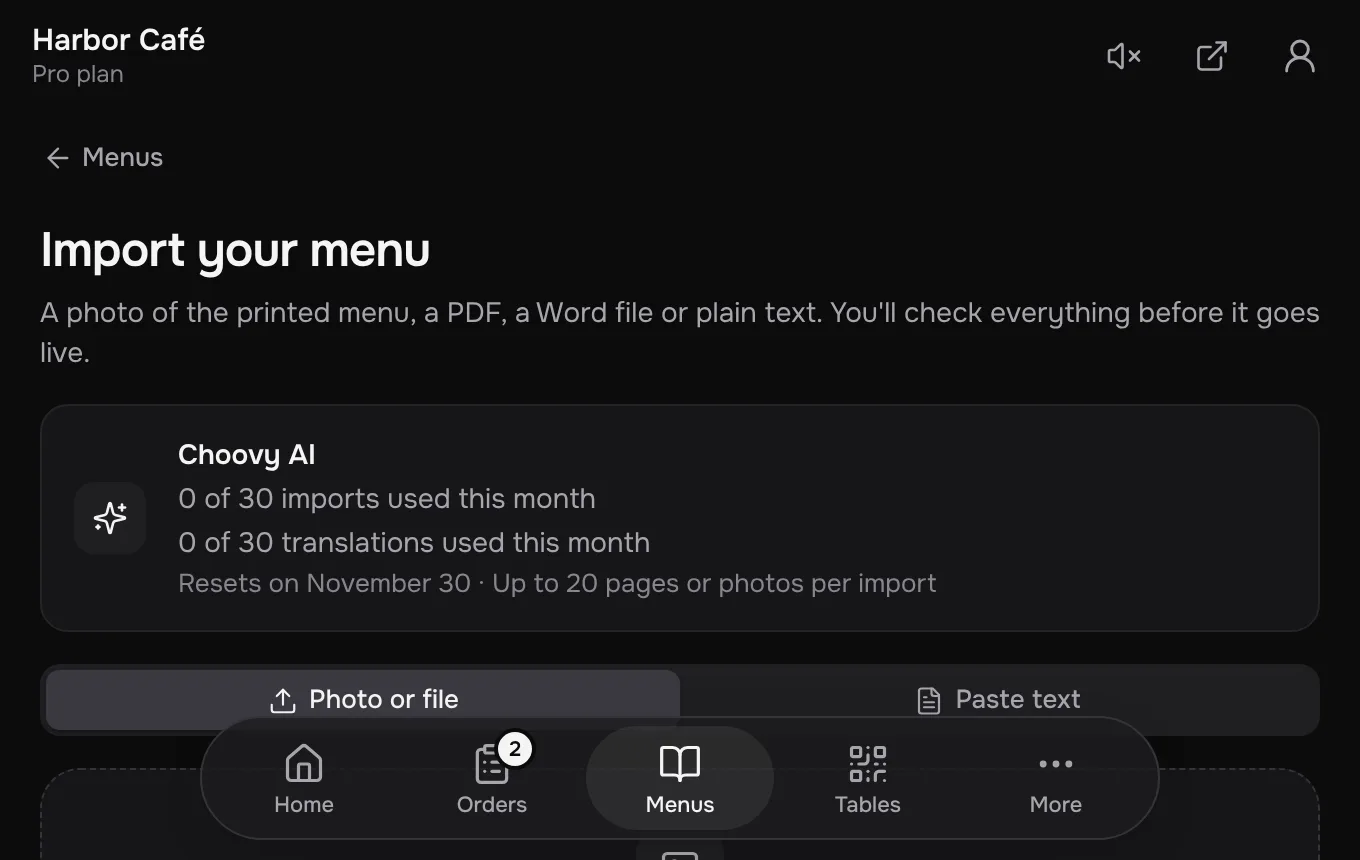
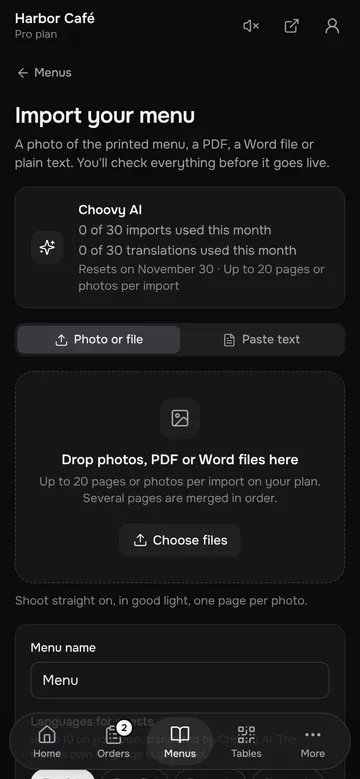
A photo of the printed menu, a PDF, a Word file or plain text. Choovy reads the sections, dishes and prices, in any language.
Check it, add photos, publish
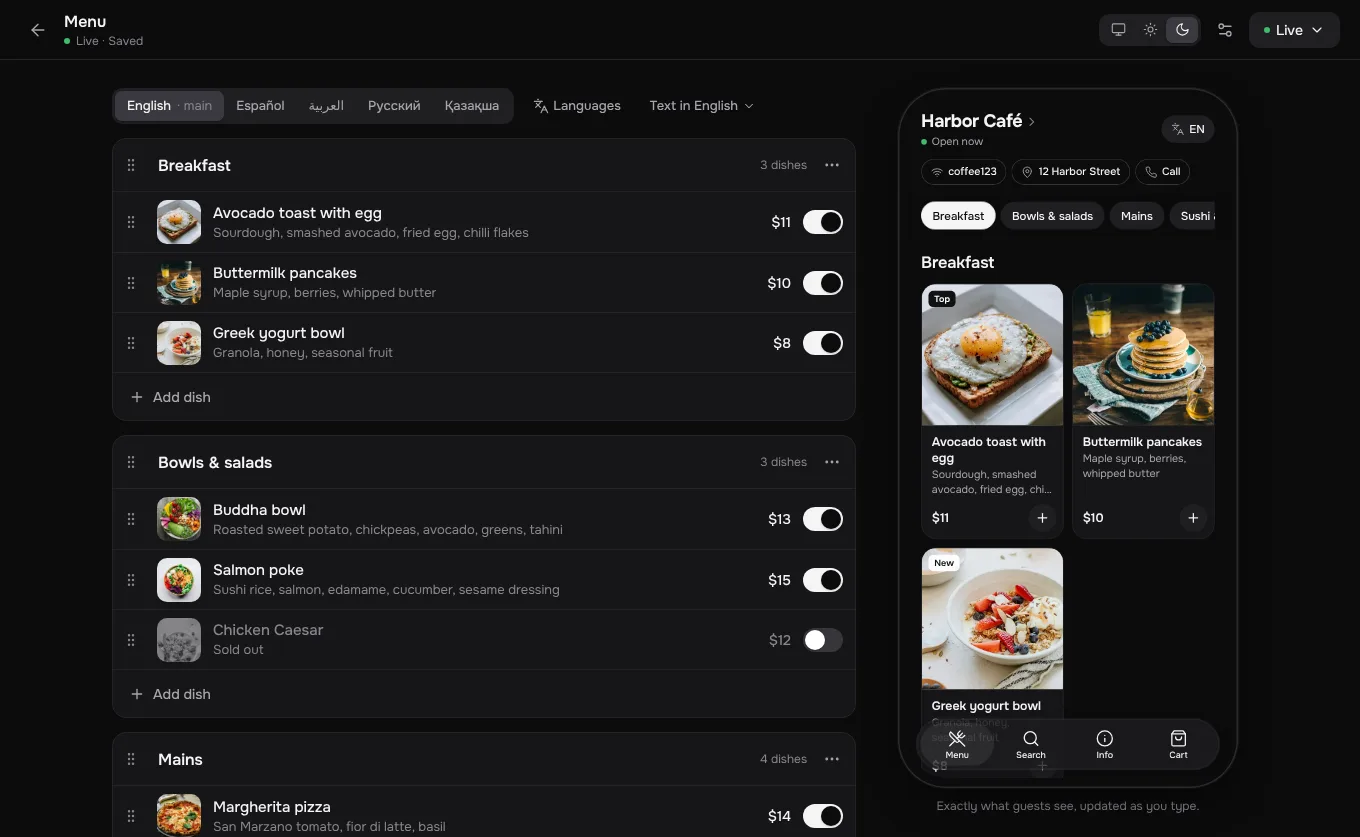
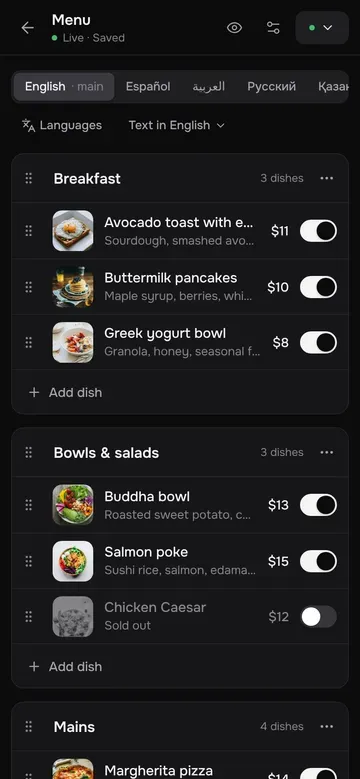
Everything is editable in place, with a live preview of the guest's screen. With Pro, Choovy AI translates it too; correct any line.
Print the QR cards and take orders
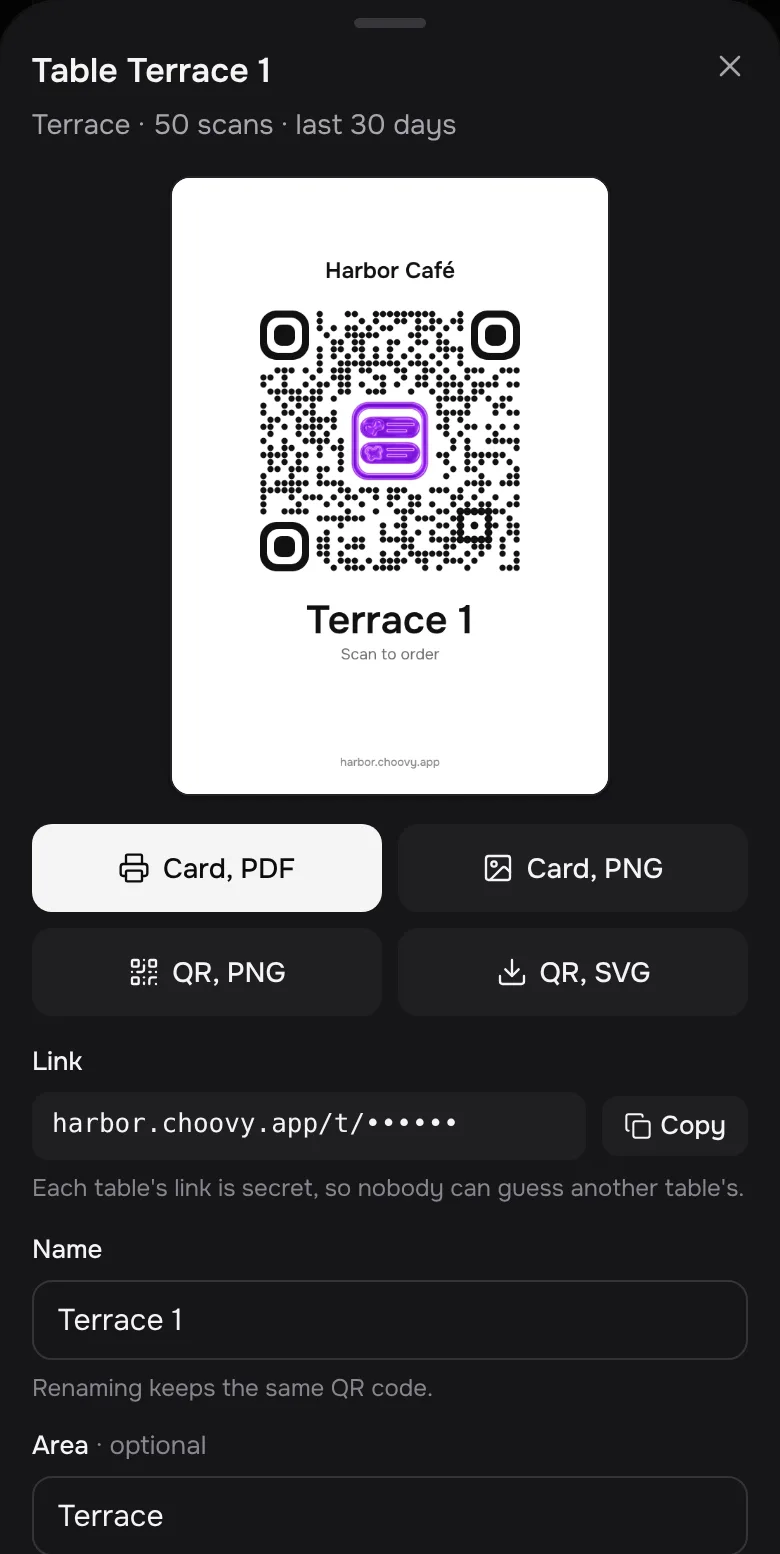
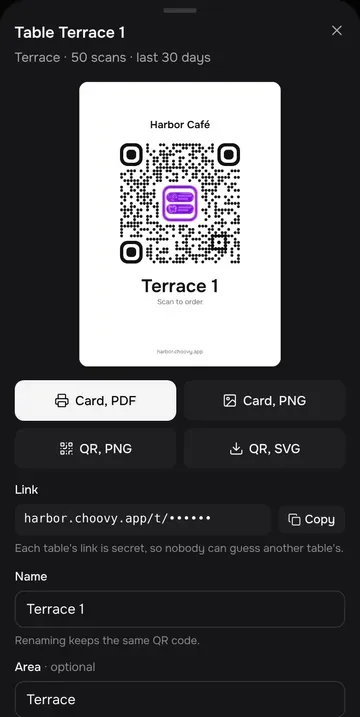
One QR code for the venue and, with Pro, one for every table, ready to print as PDF or PNG. Connect any phone or tablet as the kitchen screen and orders start to arrive.
Made for the guest holding the phone
Opens in about a second on mobile data. No app, no sign-up.


Readable at a glance
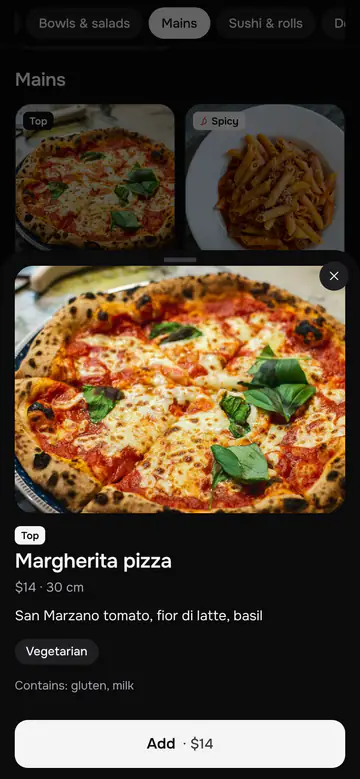
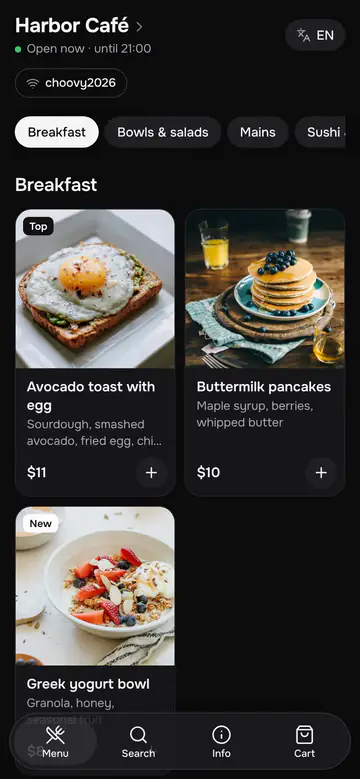
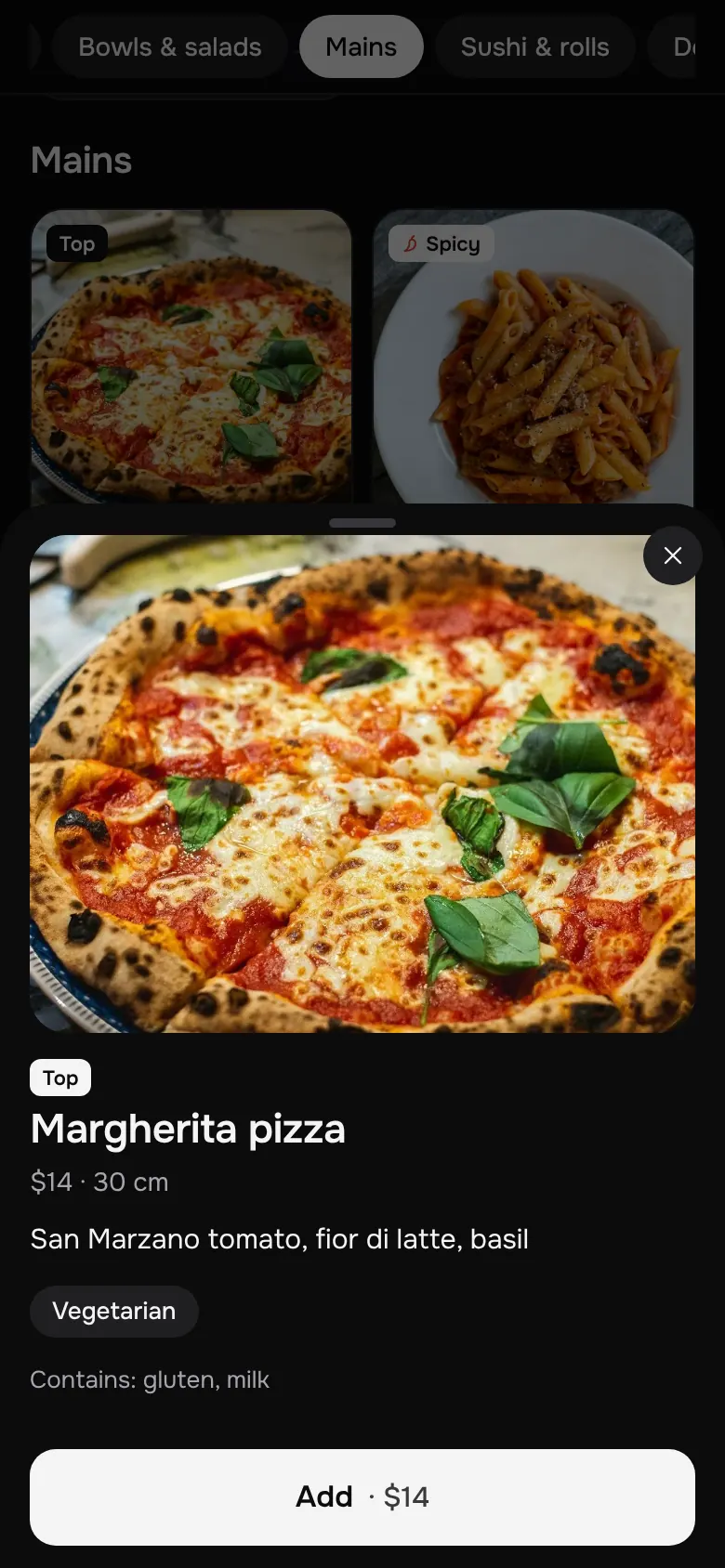
Two columns of dish photos, prices you don't have to hunt for, categories that follow you as you scroll.


 +15+16
In their languagePro
The menu opens in the phone's language when you have it; guests can switch at any time.
Order in a few tapsPro
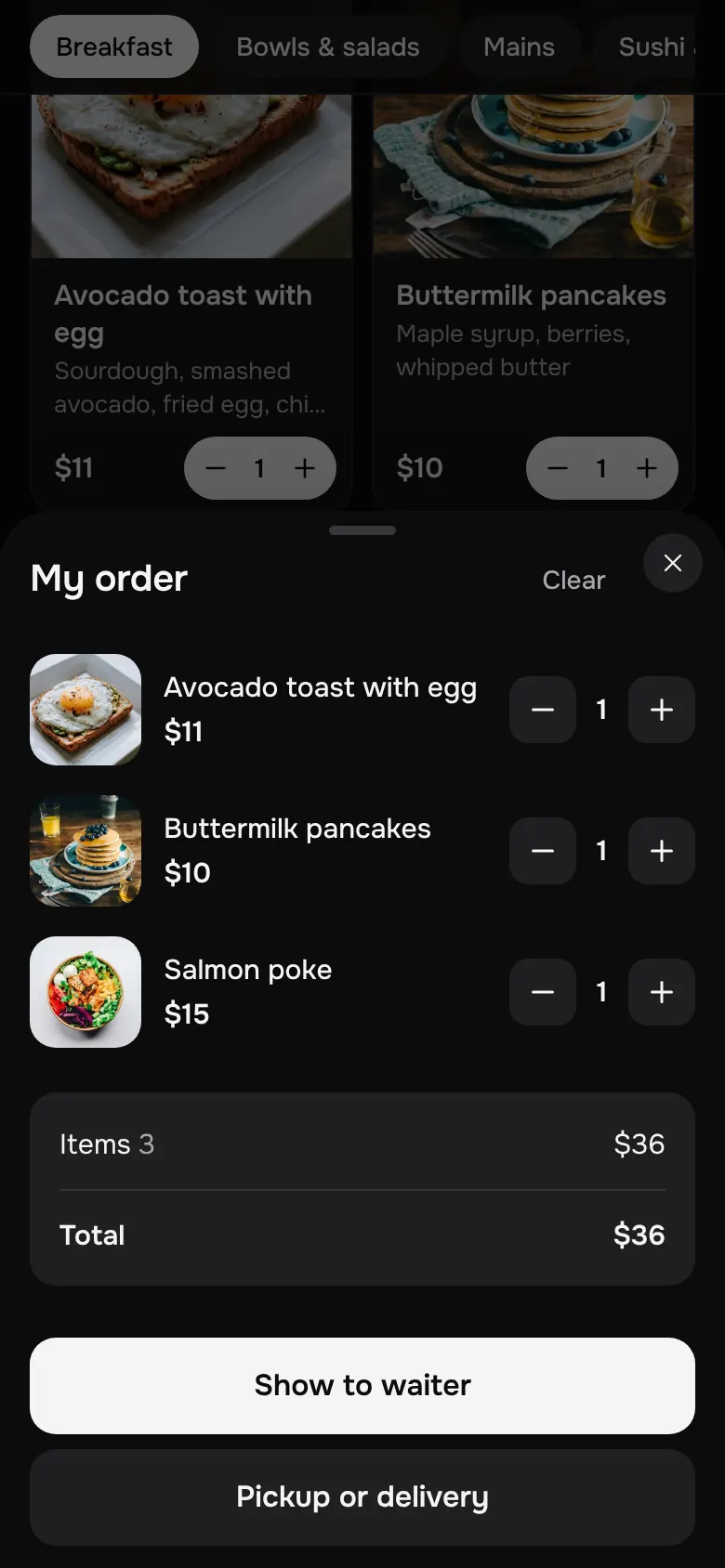
Add dishes and show the order to the waiter. With Pro, guests order from their table, for pickup or delivery, and follow the order live.
Light or dark
Follows the phone. Black and white by default, your own colour if you want one.
Orders go straight to the kitchen
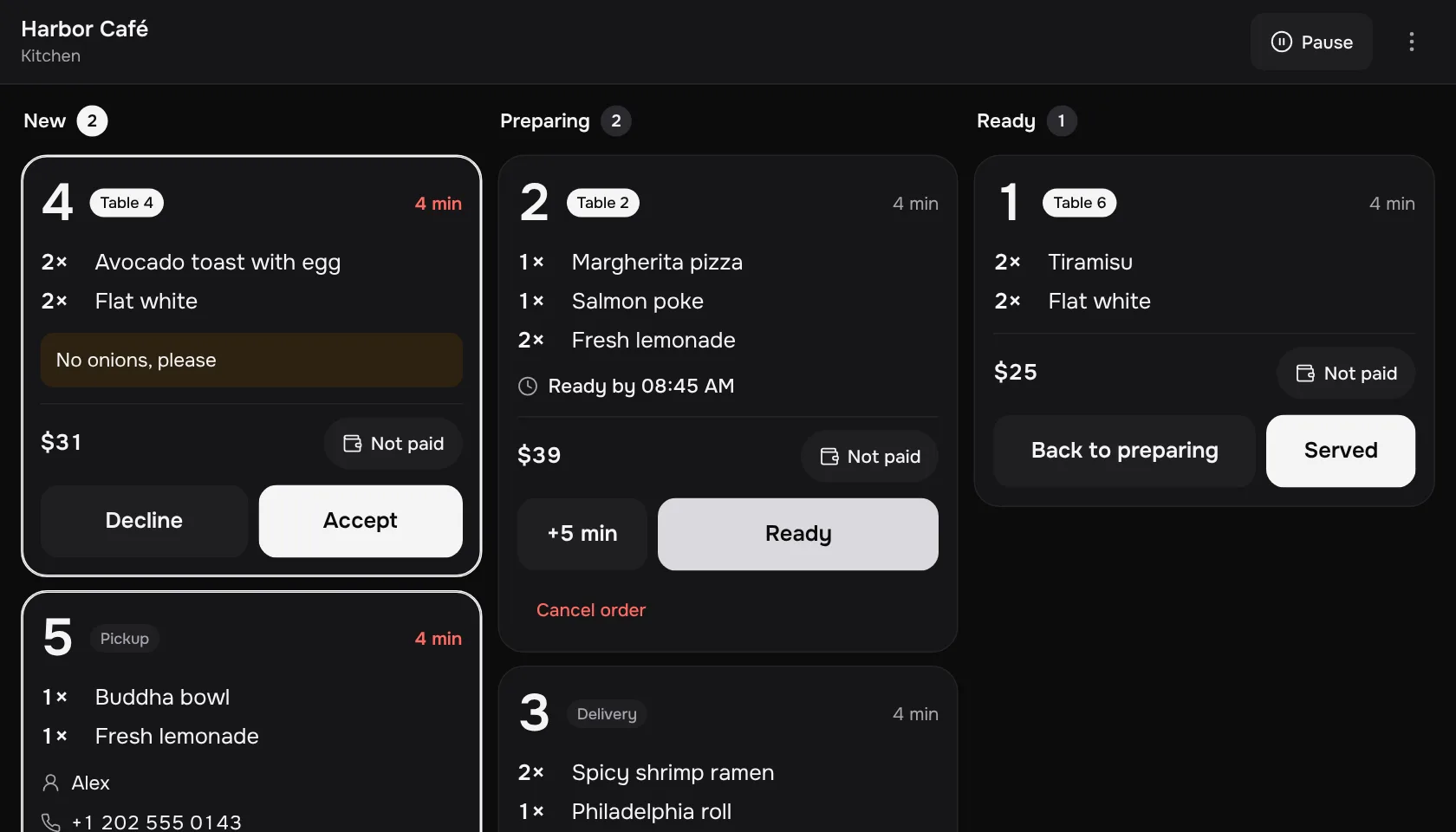
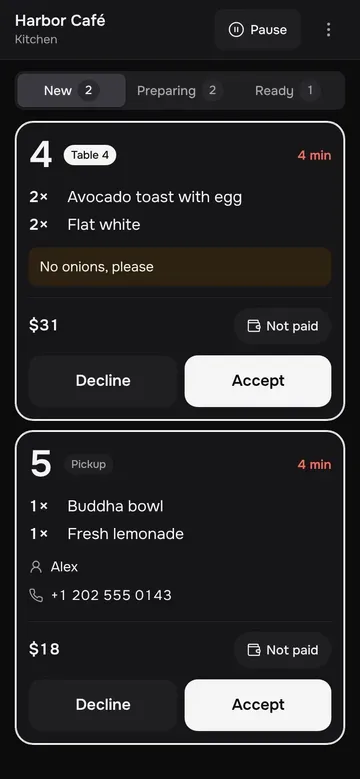
A guest scans the QR code on the table and orders. It appears on your kitchen screen at once, with a sound and the table's name on it. No app for guests, no hardware to buy, no commission.
Any device is the kitchen screen
A phone, a tablet or a laptop. Connect it with a one-time code: new orders ring, you accept, cook and hand over.
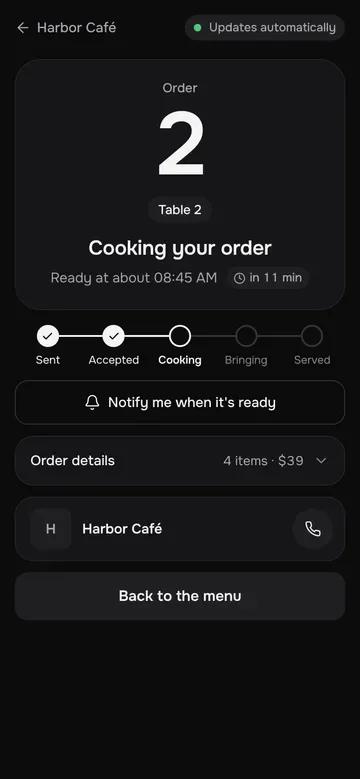
Guests follow the order live
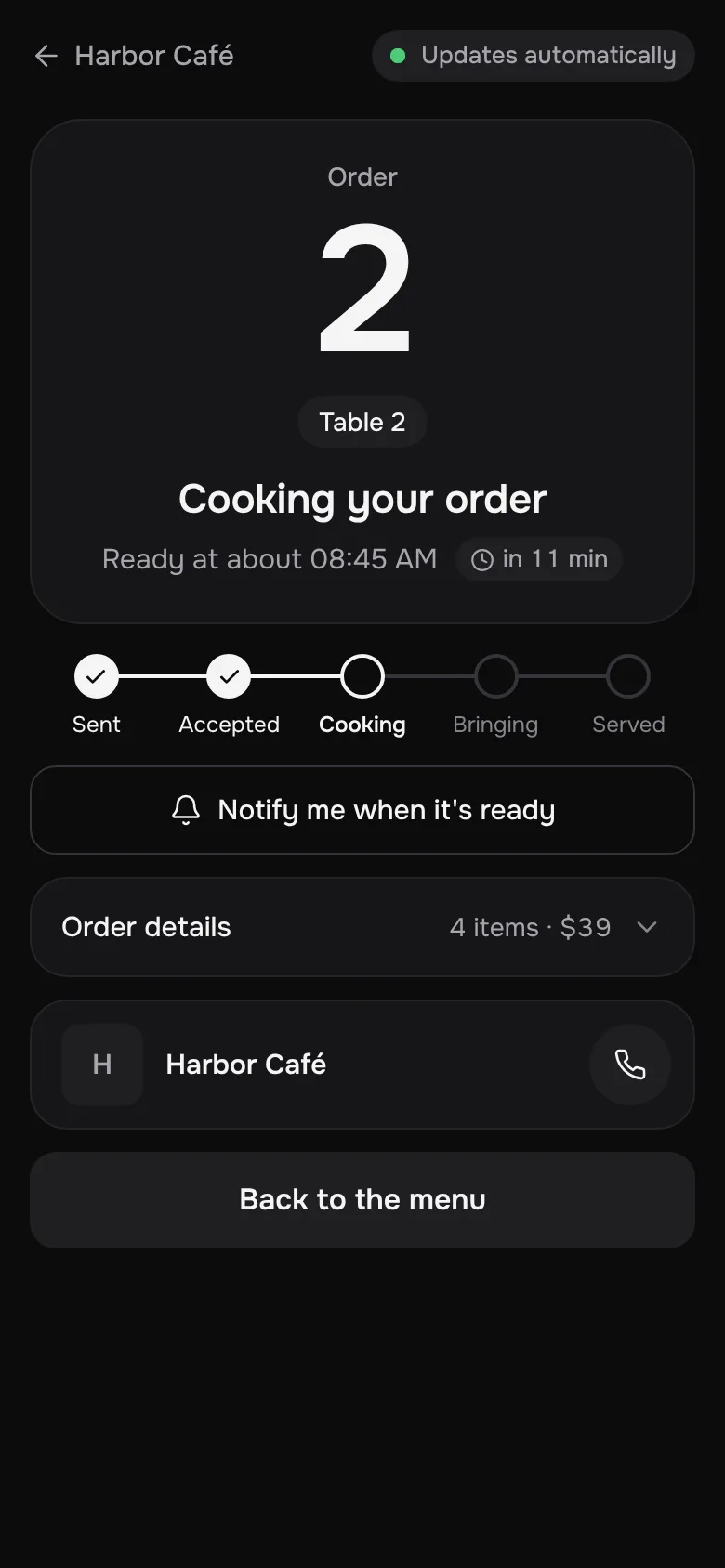
Accepted, cooking, ready: the guest's page updates by itself and shows when to expect the order.
Pickup and delivery too
From the link in your Instagram bio or the QR code on the door, with your delivery fee and smallest order.
Telegram alerts for staff
Every new order is announced in your staff chat, with a reminder if nobody accepts it.
Call waiter
A button on the table's menu. Your staff chat gets the table's name, and one tap shows everyone who is on the way.
Your hours, your payments
Orders come in only while you're open, and you can pause them on a busy night. Guests can pay by your own payment link: the money never passes through Choovy.
Prefer WhatsApp for pickup and delivery?
Send those orders to your WhatsApp instead. Each one arrives as an ordinary message in your language, with the dishes, the total, the guest's name and phone, and the address for delivery.
 Harbor Caféonline
The message a guest sends, word for word.
Easy to run on a busy night
The dashboard is built for a phone in one hand.
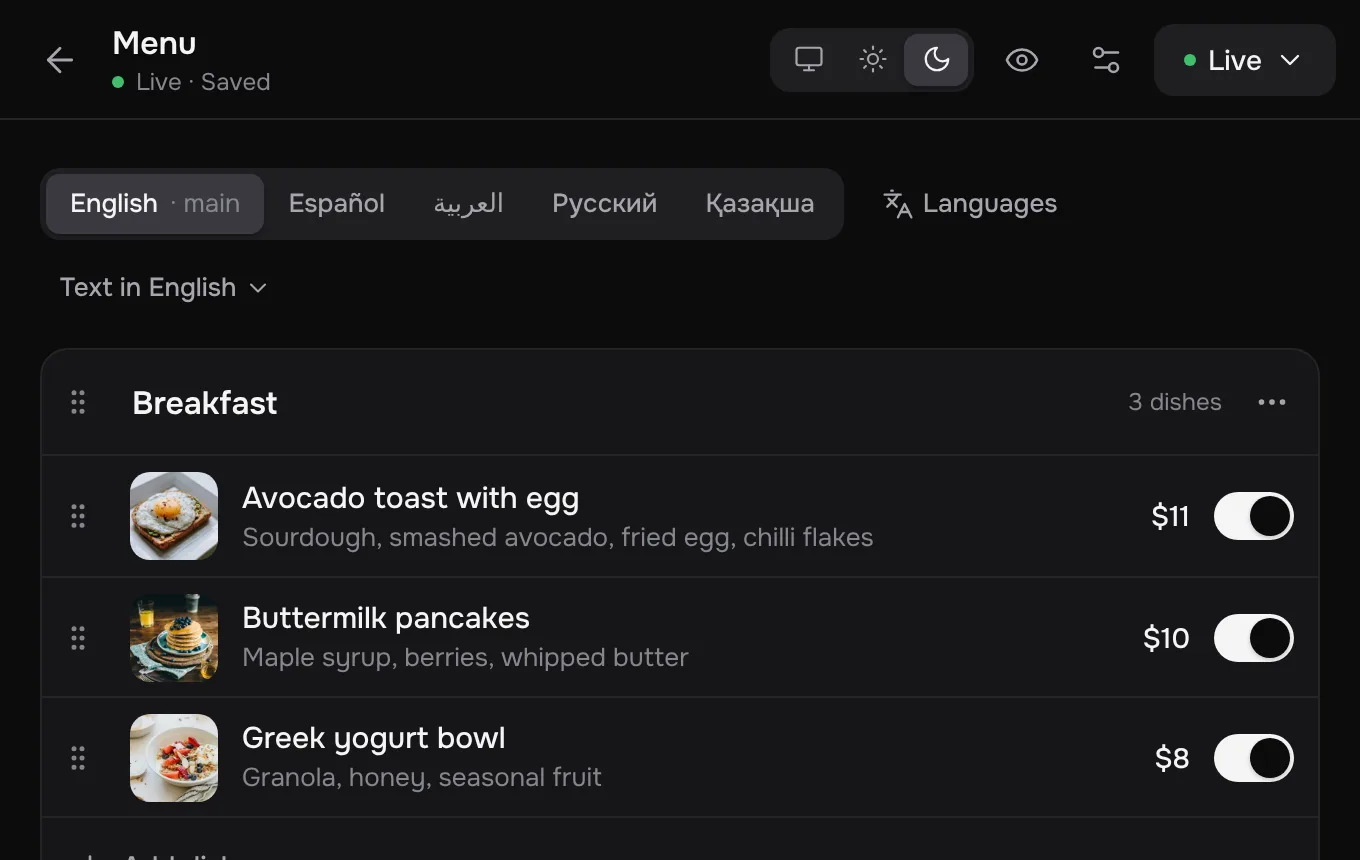
Edit in place
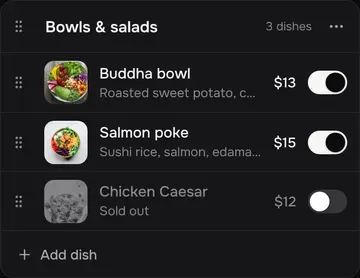
Change a price or a description and guests see it the next time they open the menu. The preview shows exactly what they get.
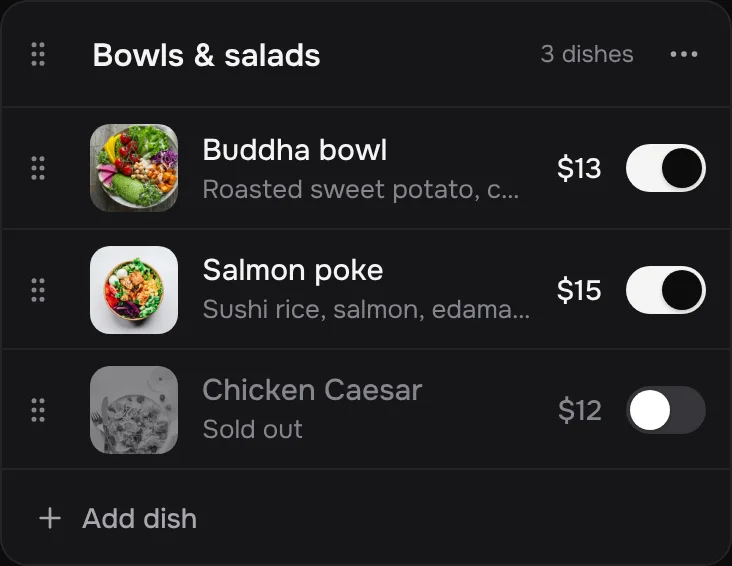
Sold out in one tap
Guests who already have the menu open see it change right away.
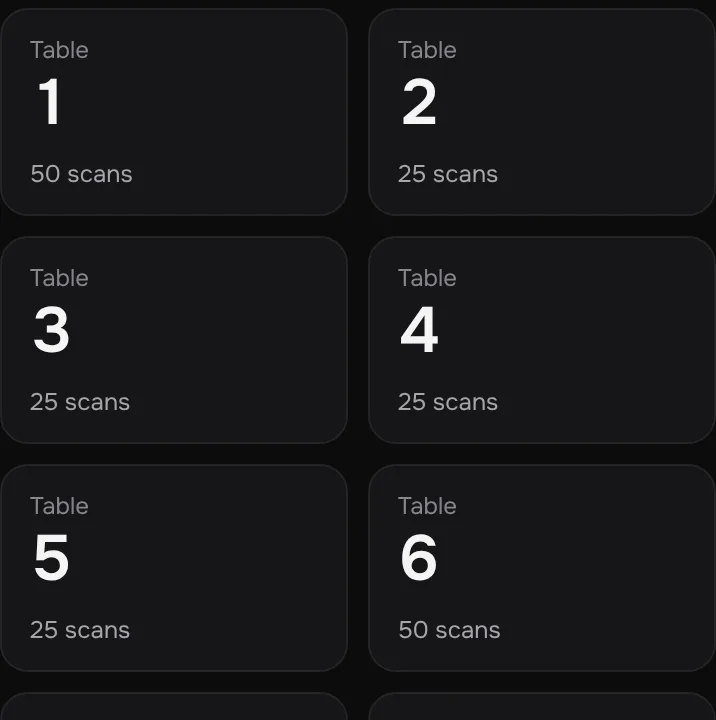
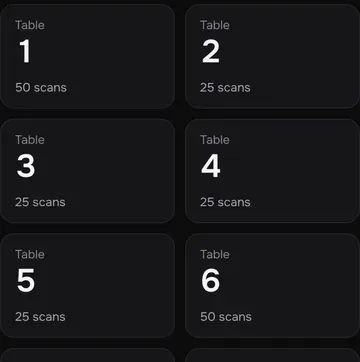
A QR card for every tablePro
Each table has its own code, so every order says where the guest is sitting. Opens are counted per table too.
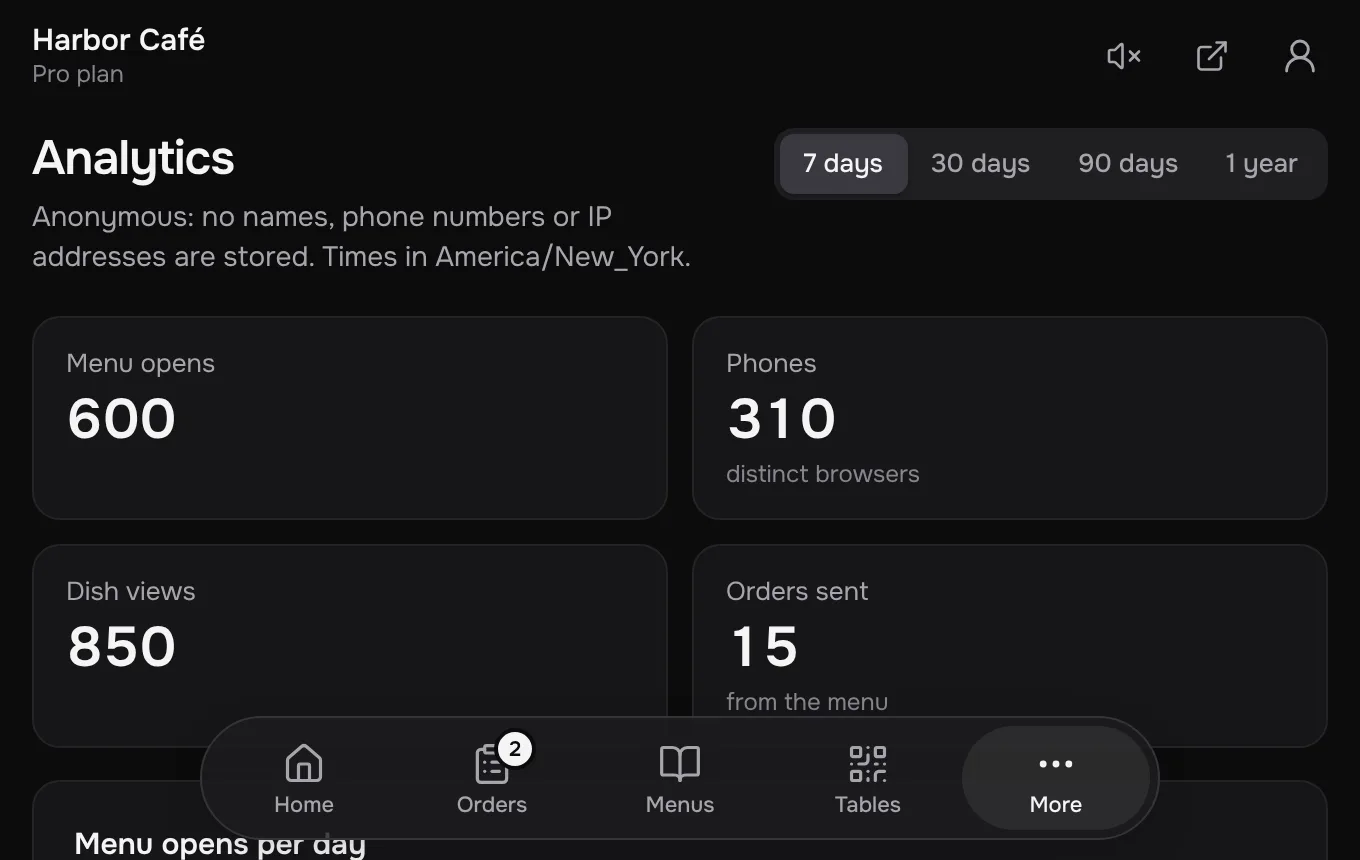
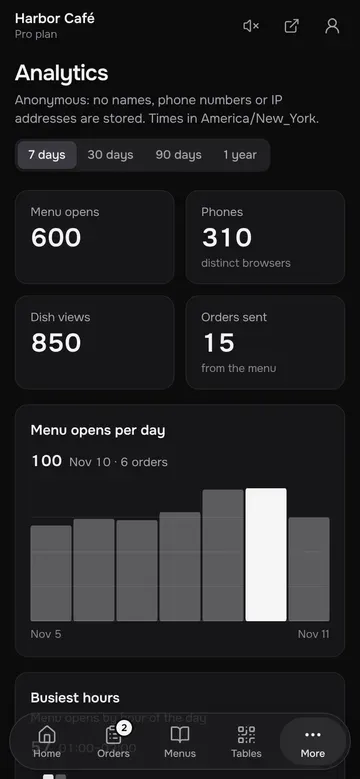
Numbers that answer questions
Menu opens, the dishes people look at, what they search for and your busiest hours. Anonymous by design.
A photo in. A live menu in five languages out.
Show Choovy AI the menu you already have. It reads every dish, price and allergen, and hands each guest the menu in their own language.
Reads any menu
A photo of the printed one, a PDF or a Word file. No retyping, no templates to fill in.
Speaks your guests' languagePro
Local dishes keep their names, with a few words on what they are.
Waits for you
Nothing goes live until you've checked it. Fix any line in a tap.
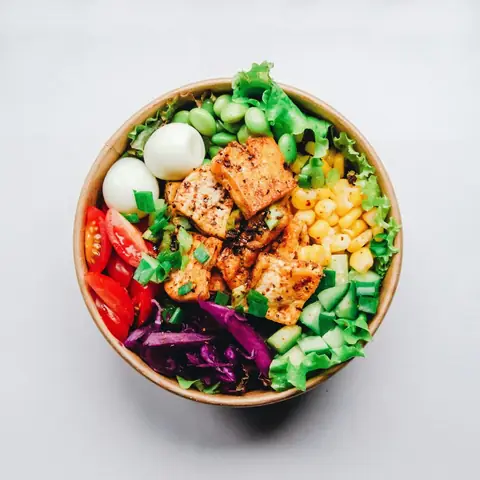
Salmon poke
$15Sushi rice, salmon, edamame, cucumber, sesame dressing
Restaurants shouldn't need an IT team to keep up with AI. That's our job.
From the restaurants
«Әдемі, күнде заказдар түсіп жатыр. Молодец, күшті екен.»
“Beautiful. Orders come in every day. Well done, it's great.”
 Өскемен шаурмасыLive menu
«Вообще күшті, мощно, үлкен рахмет.»
“Honestly great, really powerful. Huge thanks.”
 Үш тандырLive menu
«Menyu daxshat boʻpti, hamma narsa tushunarli.»
“The menu turned out amazing. Everything is clear.”
 Burger & Co.Live menu
Free to start. Pro when you grow.
- 1 live menu and 3 drafts
- 1 language per menu, you choose which
- Choovy AI: 3 imports a month, up to 5 pages each
- One QR code for your venue and a printable card
- Cart guests show to the waiter
- Editing, photos, allergens, sold-out in one tap
- Menu opens for the last 7 days
- “Made with Choovy” card at the bottom of the menu
- Orders from the menu: at the table, pickup and delivery, on your kitchen screen or in WhatsApp
- A QR code for every table, opens counted per table
- Live order status for guests, Telegram alerts for staff, a Call waiter button
- 10 live menus (30 in total), up to 10 languages each
- Choovy AI: 30 imports a month, up to 20 pages each, 30 menu translations
- Full analytics: peak hours, top dishes, languages, devices
- Promo banner and dish of the day
- No Choovy branding
- Everything in Free
Questions
What do I need to start?
A photo, PDF or Word file of your current menu. Choovy reads it and builds the menu; you check prices and names before publishing.
How do guests order?
They add dishes to the cart. On Free they show the order to the waiter on their phone. With Pro they order from the menu: at the table by scanning its QR code, or for pickup and delivery from your main link. Orders arrive on your kitchen screen; pickup and delivery orders can go to your WhatsApp instead.
Do I need a tablet or special hardware?
No. The kitchen screen opens in the browser of any phone, tablet or laptop and connects with a one-time code. It rings for every new order.
Does Choovy take a commission or handle payments?
No. Pro is a flat price with no commission on orders. Guests pay you the way they do now. You can add your own payment link, and the money never passes through Choovy.
What if a dish runs out?
Mark it sold out in the editor. Guests who have the menu open see it change right away.
Which languages are supported?
The menu's buttons and messages come in 13 languages, including Arabic with a right-to-left layout. Your dishes are in the languages you choose: one on Free, up to 10 per menu on Pro, translated by Choovy AI and editable line by line.
Do I need a designer or a developer?
No. There is one carefully made template with light and dark mode; you add your logo, a cover photo and, if you like, a colour.
What does Free include?
One live menu in one language, Choovy AI imports (3 a month, up to 5 pages each), a QR code for your venue with a printable card, and a cart guests show to the waiter. A “Made with Choovy” card sits at the bottom of the menu. No card, no time limit.
Put your menu on the table today
Upload a photo now and print the QR cards tonight.